Chat
Private and group chats, public and private groups, topics, polls and comments on messages. Invite people with a link or QR code.
Big group, different conversations — no confusion
In PalCont, you can organise a group into topics: news, questions, work or general conversation. Each message can also have its own comment thread. Replies stay with the message they relate to, keeping separate conversations easy to follow.
Private conversations
Discuss plans, send messages and start a call from the chat.
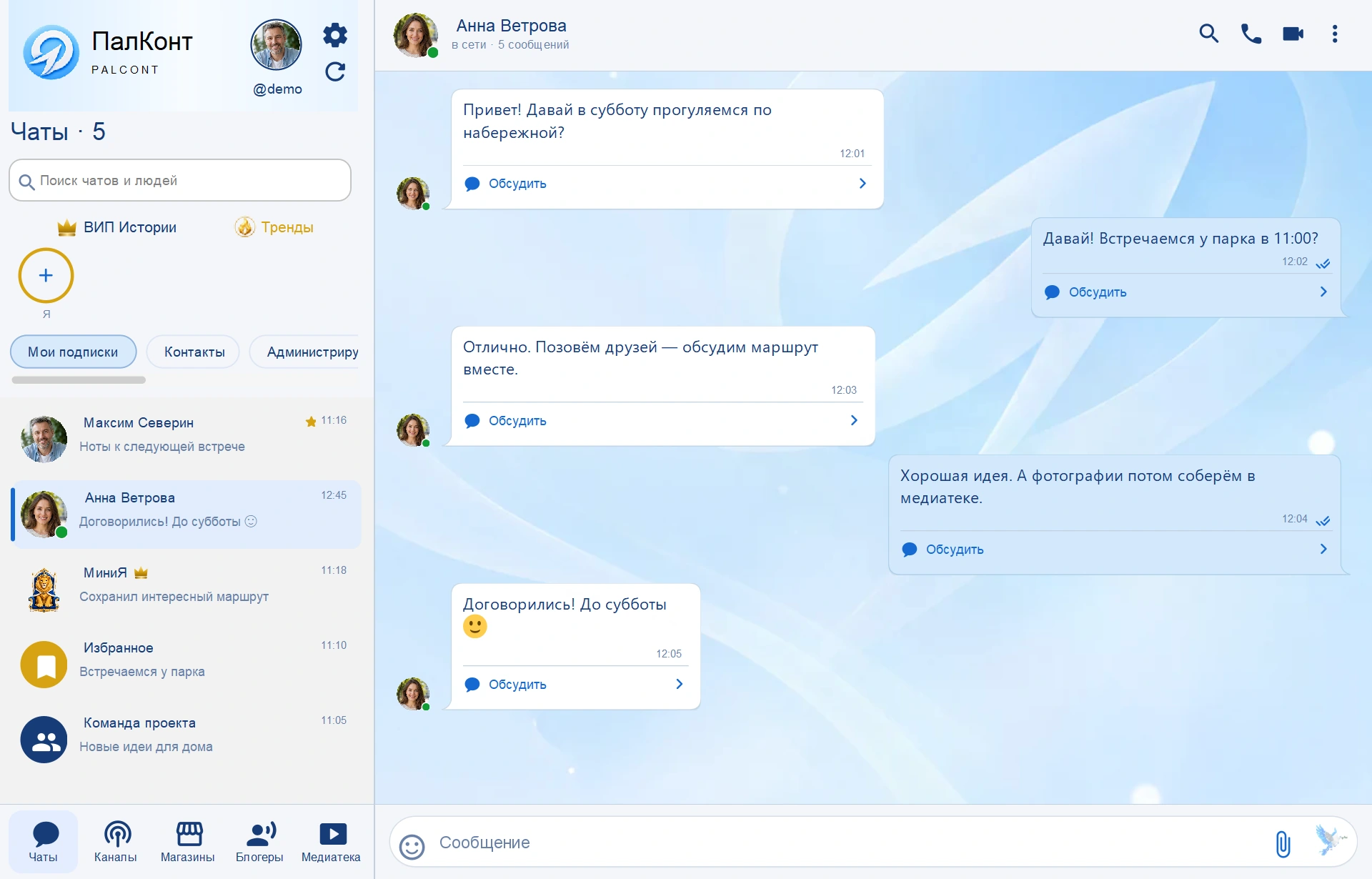

Discussion of an individual message in the group
Click "Discuss" under the desired message. Replies will go into its thread, while the main group conversation continues separately.

How is a conversation in a group arranged?
A neighbourhood group can have separate topics for announcements and repairs. Neighbours can discuss a repair notice in its comments, keeping the rest of the topic clear.
Questions and answers
Are topics and comments the same thing?
A topic groups messages about the same subject. Comments belong to a specific message within that topic.
Is it possible to make a group private?
Yes. For a closed group, you can use an invitation via a link or QR code. The owner and administrators manage access.