Sell
Open an online shop in PalCont or post a classified ad. Talk to buyers and manage customers and orders in KKC CRM.
Stores
Your shop and customer relationships in one place
Build your storefront, list products and talk to customers directly in PalCont. The integrated CRM helps you manage customers, orders and your team’s work.
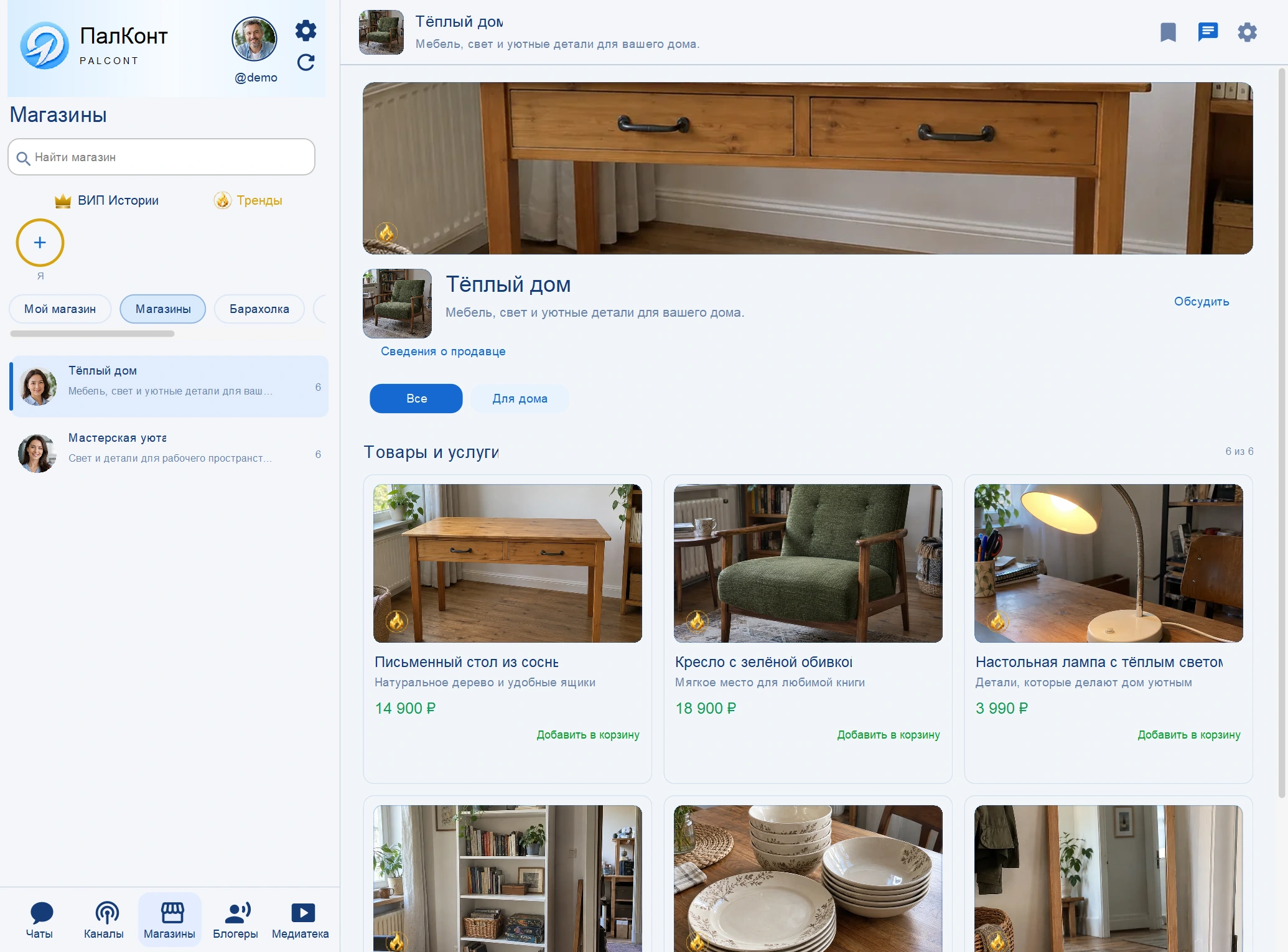
Storefront
Photos, prices and categories help the buyer get acquainted with the assortment.

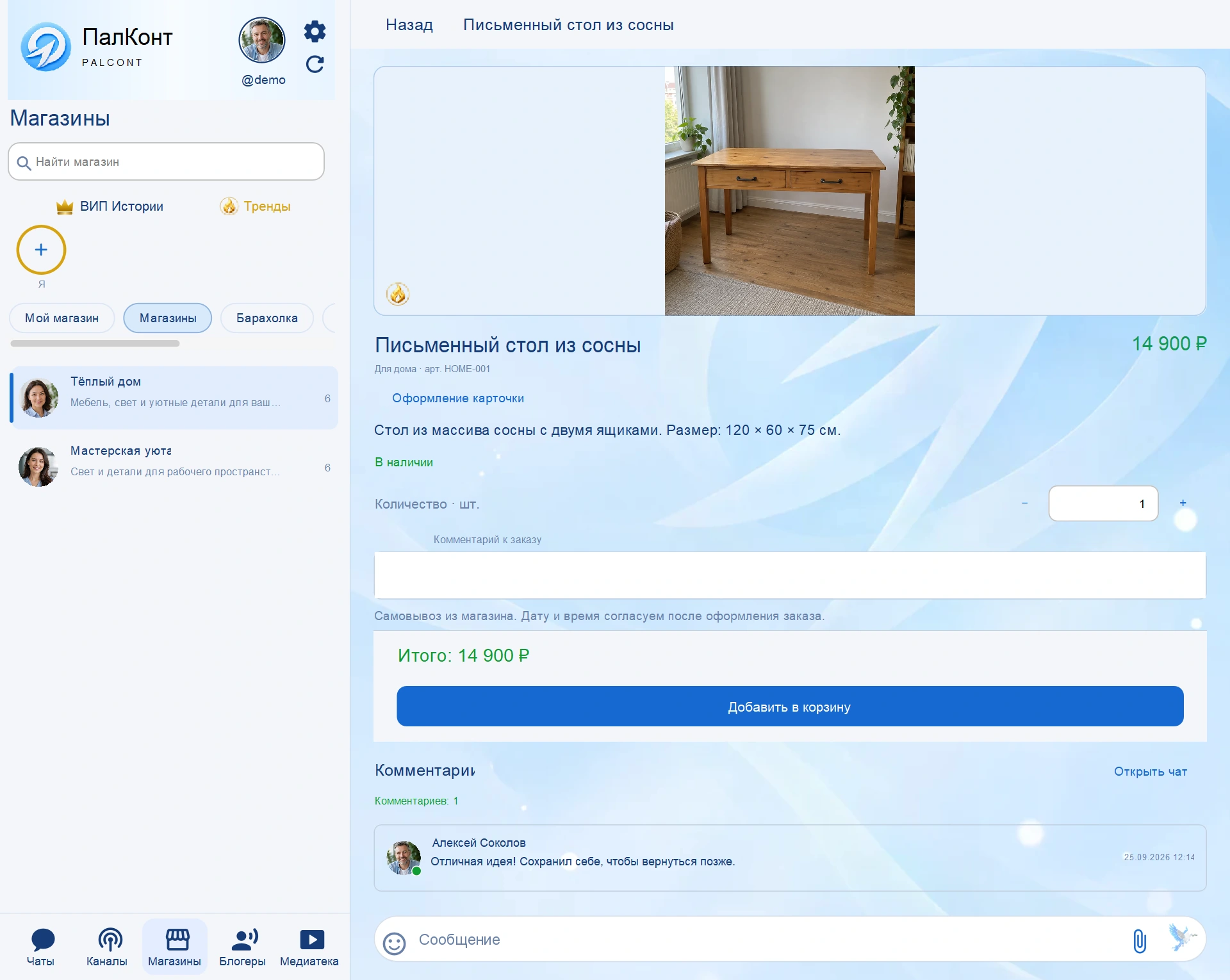
Product listing
Show the product, add a description and order conditions. The buyer's questions remain under the card.

Classifieds
Classifieds: browse listings
Use PalCont’s Classifieds section to sell your belongings or offer one-off services.


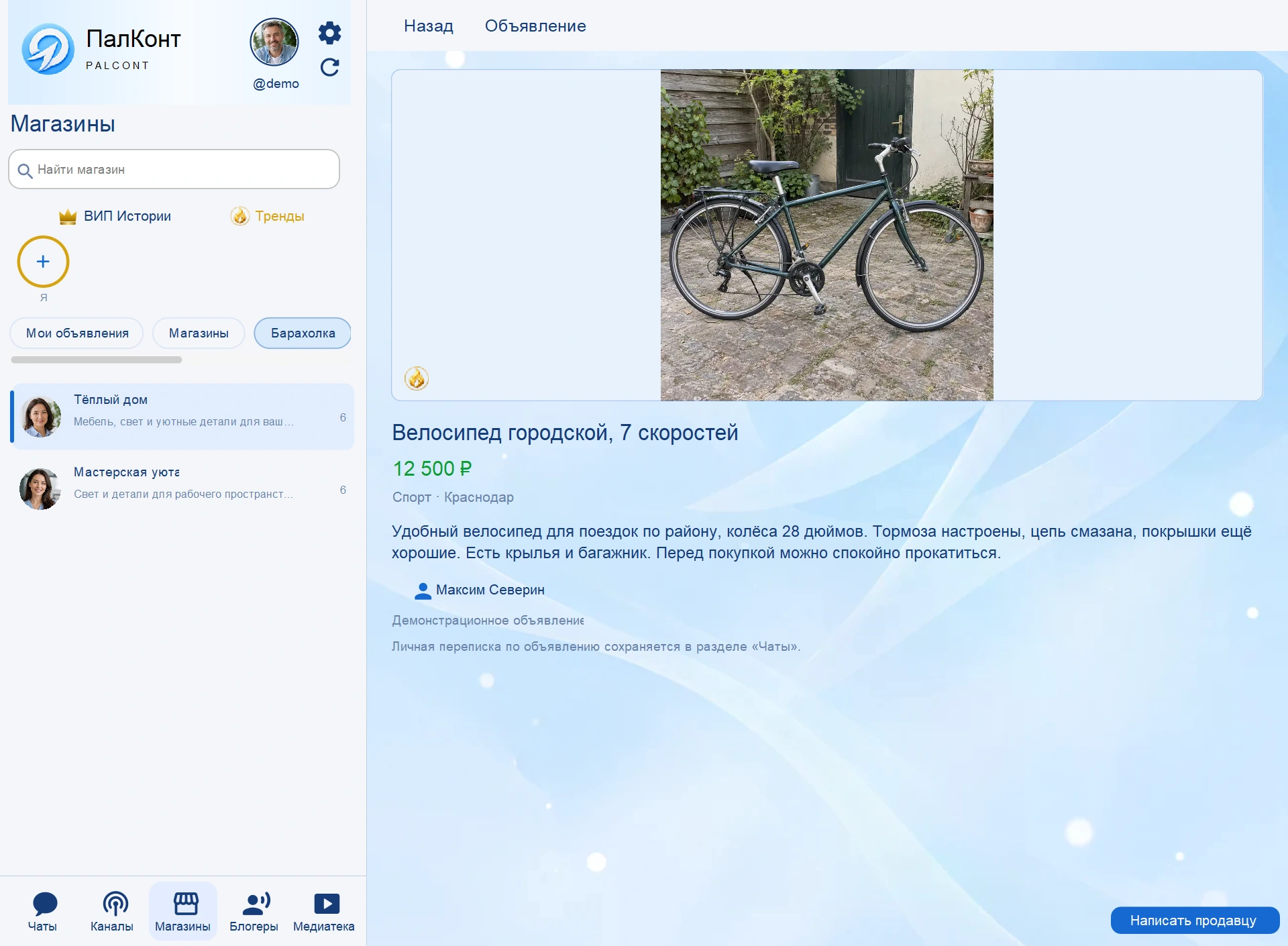
Classifieds: listing details
A detailed description and photo help you choose. Use the button on the listing to chat with the seller.

Order and client in CRM KKC
The customer record shows the current order, its stage and the conversation. Your team can discuss details with the customer while keeping the order in view.

One-time sale or own business
Use PalCont’s classifieds to sell personal items or offer occasional services. For regular sales, create a store with products, orders and customer conversations.
Questions and answers
Where to discuss the order with the buyer?
You can message the customer in PalCont. Product details and conversations with sellers are available in the same app.
Where to see the terms of paid features?
You can review a plan’s features, duration and price before paying. Premium and Business are purchased separately. Signing up does not start a paid subscription.