Call
Voice calls and group video calls in PalCont on your phone or computer. Talk with family, friends and colleagues. Protection warns of signs of possible fraud.
Protection during a call
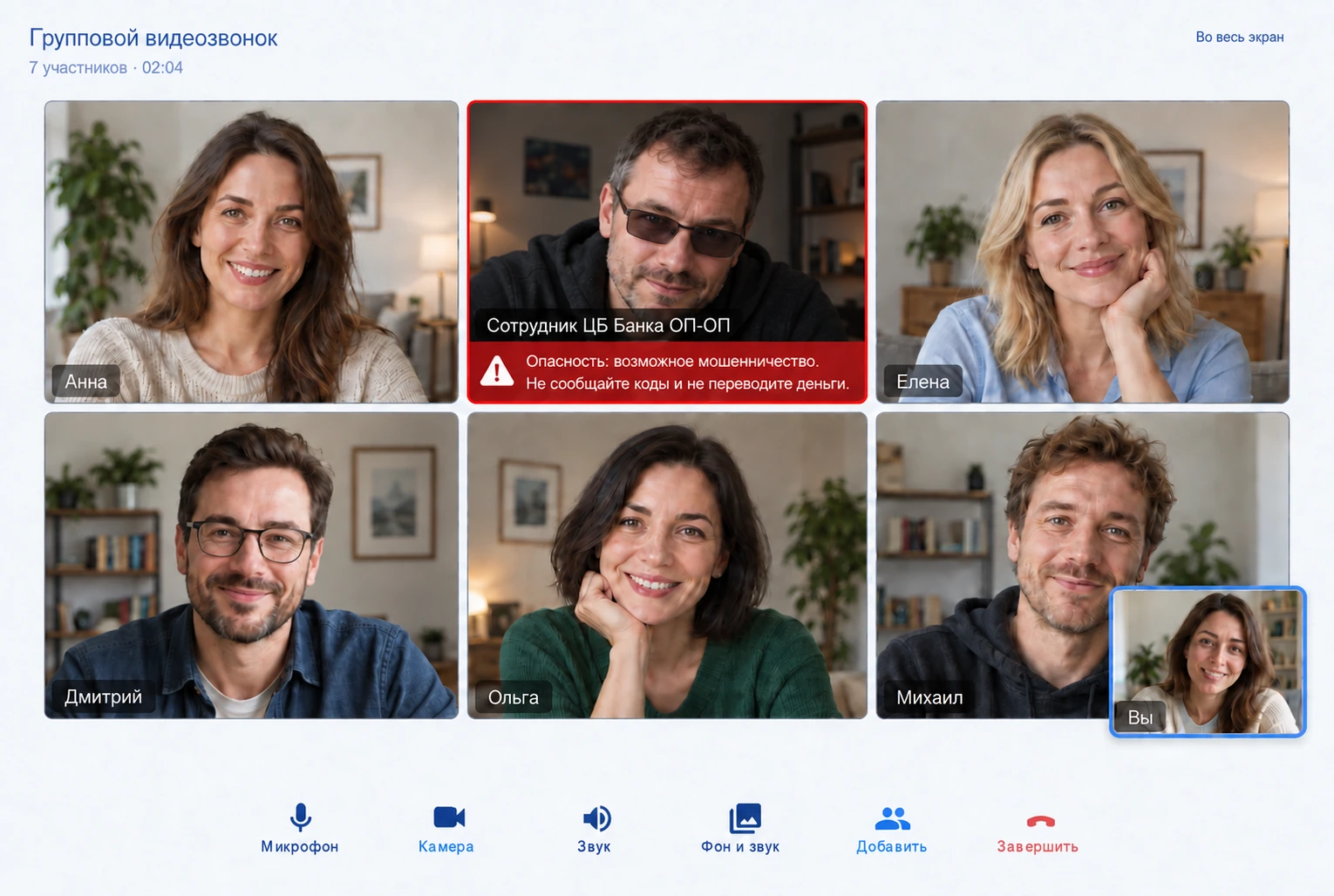
When PalCont detects signs of possible fraud, it warns you on screen and by voice. This protection works in both one-to-one and group calls.
Group video call
Microphone, camera, sound and adding participants are at your fingertips during a call.

From message to conversation
Open the dialogue and choose an audio or video call at the top of the chat. For a family meeting or conversation with colleagues, you can set up a group video call.
Questions and answers
Is it possible to call without video?
Yes. PalCont has audio and video communication. For a regular conversation, a camera is not needed.
What does protection do during a call?
PalCont warns you when it detects signs of a dangerous conversation. The warning gives you a chance to pause and check who you are talking to. It cannot guarantee that every scam will be detected.